Yurnero88 Login Guide: How to Access Your Account on Mobile and Desktop
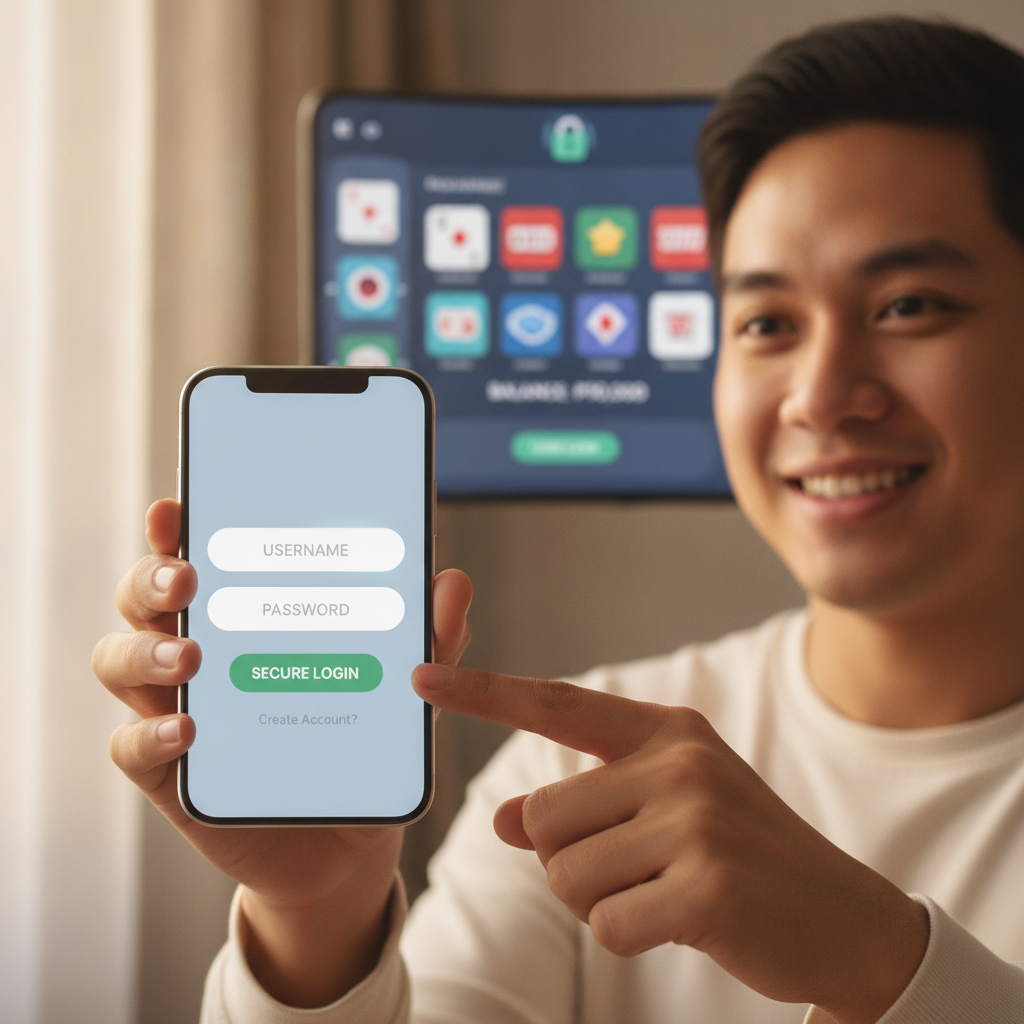
How to Log In to Yurnero88 on Android and Desktop
Yurnero88 offers Filipino players access to slots, live dealer games, and sports betting through both mobile browsers and desktop. Most users in Metro Manila and the provinces access their accounts on Android phones, though the login process works the same across devices.
To log in on an Android phone:
- Open Chrome, Firefox, or your preferred mobile browser
- Type yurnero88 into the search bar or enter the official Yurnero88 URL directly
- Tap the Login button, usually located at the top-right corner of the homepage
- Enter your registered mobile number or email address
- Enter your password
- Tap Sign In or Login
To log in on a desktop or laptop:
- Open any browser (Chrome, Edge, Firefox)
- Navigate to the Yurnero88 website
- Click the Login or Sign In button at the top of the page
- Enter your mobile number or email
- Enter your password
- Click Login
The platform does not require you to download an app to log in—your mobile browser works just as well. If you prefer an app-like experience, some users add a shortcut to their Android home screen by tapping the browser's menu and selecting "Add to Home screen."
Where to Find the Yurnero88 Login Page
The Yurnero88 login page is accessible from the main homepage. When you first visit the site, you'll see the Login button in the header, typically next to a Register or Sign Up button.
On mobile, the login button may appear as a small icon or text link at the top-right. If the site's menu is collapsed into a hamburger icon (three horizontal lines), tap it to reveal the login option.
Once you tap or click Login, a login form will appear—either as a pop-up window or a new page. This form asks for two pieces of information:
- Mobile number or email address (the one you used during Yurnero88 register)
- Password (the password you created when you signed up)
Make sure you enter your credentials exactly as you registered them. Mobile numbers should include the country code if required, though Yurnero88 typically formats Philippine numbers automatically.
What Credentials You Need for Yurnero88 Login
To access your account, you need the same login details you provided during registration:
- Mobile number: The 11-digit Philippine mobile number you used to register (starting with 09)
- Email address: If you registered with email instead of a phone number, use that
- Password: The password you created during sign-up
Yurnero88 does not send one-time passwords (OTPs) for every login. Once you register and verify your account, you use the same password each time you log in. If you forget your password, look for a Forgot Password or Reset Password link on the login page. You'll receive a password reset link via SMS or email.
Important: Keep your login credentials private. Do not share your password with anyone, even if they claim to be Yurnero88 support. The platform will never ask for your password outside the official login page.
First-Time Login: What to Expect After Yurnero88 Register
If you just completed the Yurnero88 register process, your first login is usually straightforward. Here's what happens:
- Account verification: Some players are asked to verify their mobile number or email before their first login. You may receive an SMS or email with a verification code or link. Complete this step to activate your account.
- Automatic login: Many users are logged in automatically right after they finish registration. If that's the case, you'll land on the Yurnero88 homepage or dashboard and can start browsing slots, live dealer tables, or PBA and NBA betting markets.
- Profile completion: Yurnero88 may prompt you to complete your profile—adding your full name, birthdate, and address. This information is required for ID verification and for processing deposits and withdrawals through GCash, Maya, or bank transfer.
- ID verification: Before you can make your first withdrawal, Yurnero88 will ask you to upload a valid government-issued ID (such as a driver's license, passport, or UMID). This step is standard for legit online casino platforms in the Philippines and helps protect your account.
Your first login is also a good time to review your account settings. Check that your registered mobile number, email, and personal details are correct. If you need to update anything, look for an Account, Profile, or Settings section in the menu.
How to Log In to Yurnero88 on Mobile Browsers
Most Filipino players access Yurnero88 on Android phones using Chrome or other mobile browsers. The mobile site is optimized for smaller screens, so you can log in, deposit via GCash or Maya, and play slots or bet on PBA games without downloading anything.
Steps for mobile browser login:
- Open your browser and go to the Yurnero88 website
- Tap the Login button (usually top-right or in the menu)
- Enter your mobile number or email
- Enter your password
- Tap Login
Once logged in, you'll see your account balance, recent bets, and quick links to deposit or withdraw. The mobile interface is designed for one-handed use, with large buttons for slots, live casino, and sports betting.
Tip: If you use Yurnero88 regularly, bookmark the login page or save the site to your home screen. This saves time and ensures you always land on the official site.
Staying Logged In on Mobile: Is It Safe?
Yurnero88 gives you the option to stay logged in on your device. This is convenient if you play frequently, but it's only safe if you follow a few precautions:
- Use your own device: Only stay logged in on a phone or tablet that you control. Do not stay logged in on shared devices, internet café computers, or borrowed phones.
- Enable screen lock: Protect your Android phone with a PIN, pattern, fingerprint, or face unlock. This prevents others from accessing Yurnero88 if you lose your phone or leave it unattended.
- Log out on shared Wi-Fi: If you log in over public Wi-Fi—at a café, mall, or airport—log out when you're done. Public networks are less secure, and staying logged in increases the risk of unauthorized access.
- Check your session: If you haven't used Yurnero88 in a while, you may be logged out automatically. This is a security feature. Simply log in again with your mobile number and password.
If you ever suspect someone else accessed your account, change your password immediately. Go to your account settings, select Change Password, and create a new one. Use a mix of letters, numbers, and symbols, and avoid easily guessed passwords like birthdates or "123456."
Troubleshooting Common Yurnero88 Login Issues
If you can't log in, try these steps:
- Check your credentials: Make sure you're entering the correct mobile number or email and password. Passwords are case-sensitive.
- Reset your password: If you forgot your password, tap Forgot Password on the login page. You'll receive a reset link via SMS or email.
- Clear your browser cache: On Android, go to your browser's settings, select Privacy, and clear cached images and files. Then try logging in again.
- Try a different browser: If Chrome isn't working, try Firefox or another browser.
- Check your internet connection: Weak or unstable mobile data or Wi-Fi can prevent the login page from loading. Switch to a stronger connection and retry.
If the problem persists, contact Yurnero88 customer support. Most platforms offer live chat, email, or a help center with common login questions.
Tips for a Smooth Yurnero88 Login Experience
- Bookmark the official site: This helps you avoid fake or phishing sites that mimic Yurnero88.
- Use a strong password: Combine upper- and lowercase letters, numbers, and symbols.
- Update your browser: An outdated browser can cause login errors. Keep Chrome or your preferred app up to date.
- Don't share your login: Treat your Yurnero88 credentials like your GCash PIN—private and secure.
- Log in before you deposit: Always log in first, then navigate to the cashier or deposit section to load PHP via GCash, Maya, or bank transfer. This ensures your deposit is credited to the correct account.
Responsible Gambling and Age Requirement
Yurnero88 is intended for players aged 21 and over only. If you are under 21, you are not permitted to register, log in, or play.
Gambling should be a form of entertainment, not a way to make money or solve financial problems. Set a budget for your deposits—whether that's PHP 100, PHP 500, or another amount you can afford to lose—and stick to it. If you find yourself spending more time or money than you intended, consider taking a break or using responsible gambling tools such as deposit limits or self-exclusion.
Yurnero88 and other legit online casino platforms in the Philippines encourage safe play. If you or someone you know needs help, reach out to local support organizations or use the platform's responsible gambling resources.
This guide is an independent resource for Filipino players learning how to use Yurnero88. It is not operated by or affiliated with Yurnero88. For official support, account issues, or bonus inquiries, visit the Yurnero88 website directly.